Mobile App Secure Login Experience
Role
Product Designer, User Researcher
Duration
4 months
Goal
Enhance the mobile app’s secure login experience by streamlining the login and password recovery process
Western Union has been constantly working on improving customer experience and attracting new customer segments in its core app. As a continuation of these efforts, the product management proposed to re-think the mobile app login experience to minimize friction.


1.Research
While I was revisiting the existing experience, I started breaking down the information architecture into fundamental pieces. From there, I managed to filter out the unnecessary steps and redundant information that won't benefit the goal of creating a fast and easy money transfer user experience.
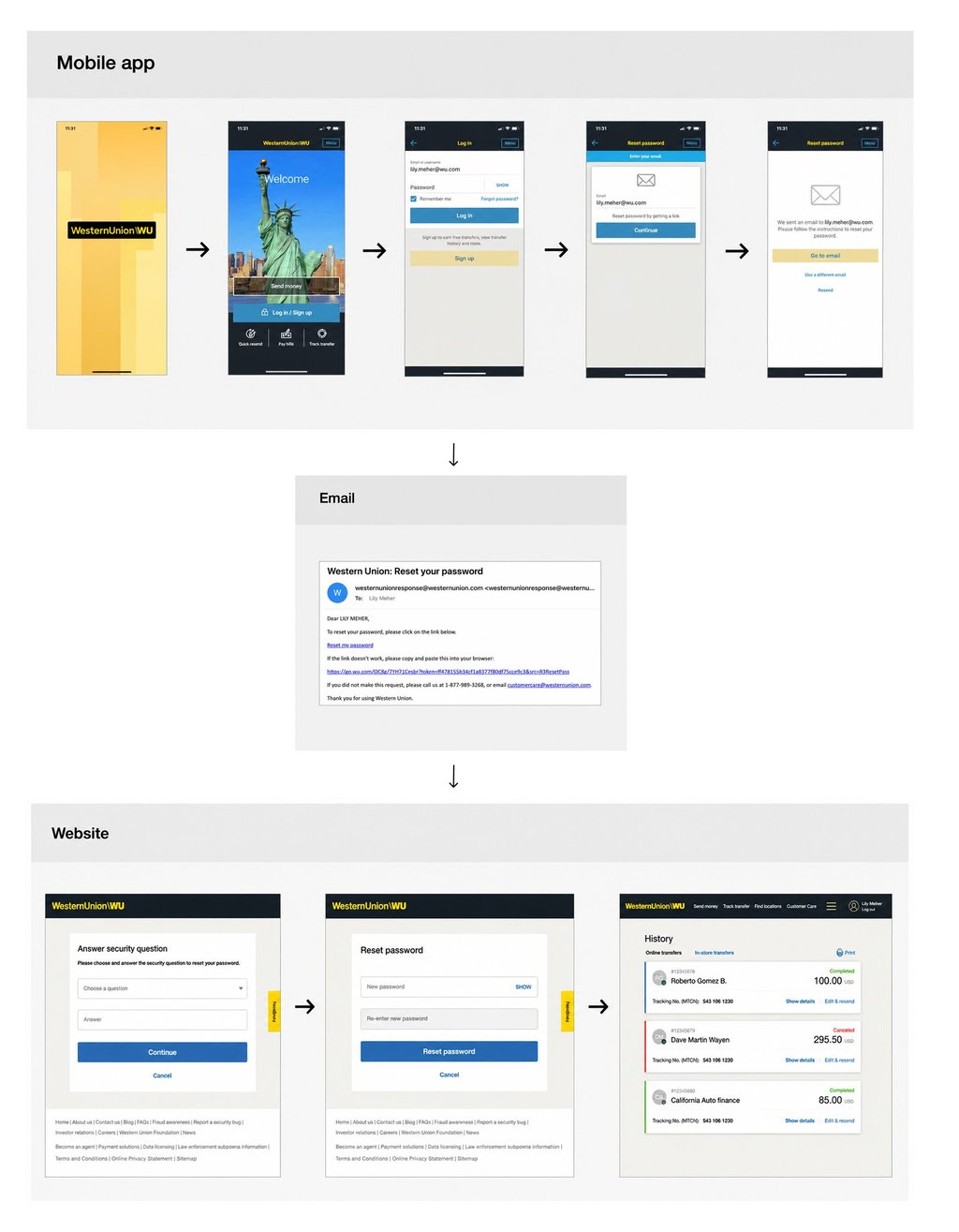
For instance, I noticed the reset password experience on our mobile app is cumbersome because it requires users to go through many steps across multiple platforms (app, email, web). Below is the old flow that I evaluated:
Problems & Pain Points
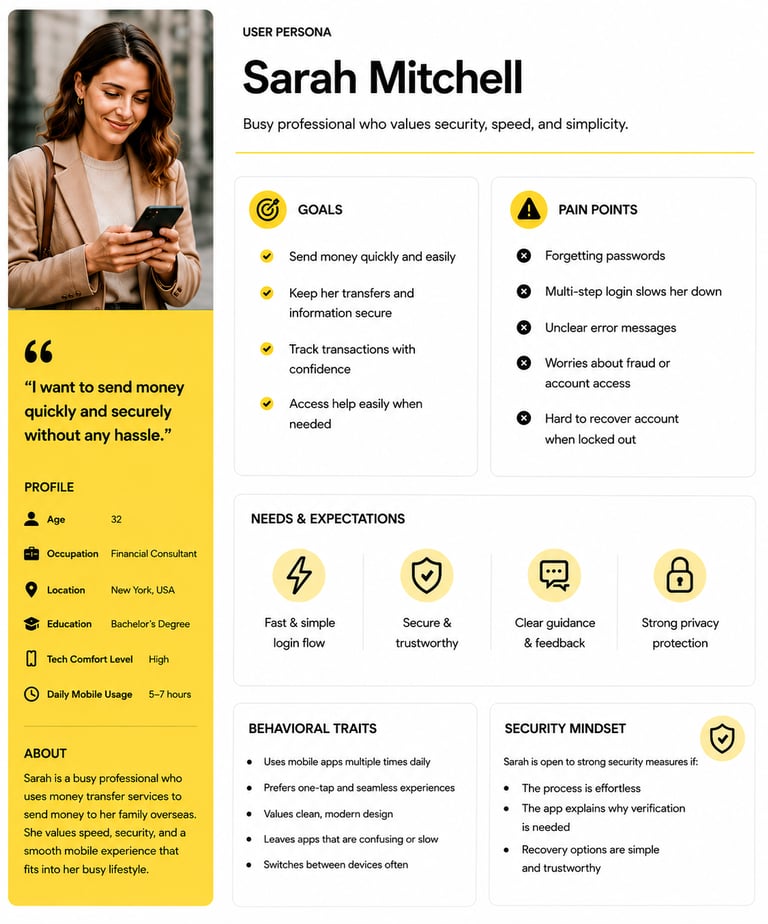
Persona
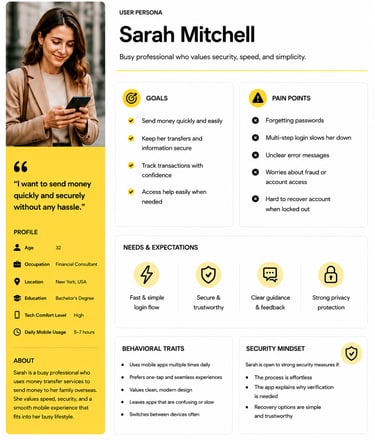
Based on discovery research, this persona was created to better understand the target user, their needs, behaviors, goals, and pain points throughout the experience.
To make sure we are solving the real problem for the right audience, I often have to get contacted with the users and gather insights from them directly through user interviews and testing.
Taking the reset password experience as an example again. By doing user testing and interviews, I learned that our existing mobile app users prefer:
Reset password experience happens on one single platform.
Use commonly-used social media account to log in.
Verify identity and device via an SMS/one-time password.
Remove security questions because the answers are often forgotten by users


User Testing With Old Experience
Design goals often times are defined by the collaboration between project managers and designers after analyzing the problem(s) and synthesizing the research findings.
Taking customers' feedback into consideration, we decided to
Add Phone Number as a login ID option to provide easy access to mobile users.
Remove security questions to further simplify the password recovery experience
Send a one-time passcode to user's phone to keep verification on one platform and speed up the process.
Design Goals and Objectives
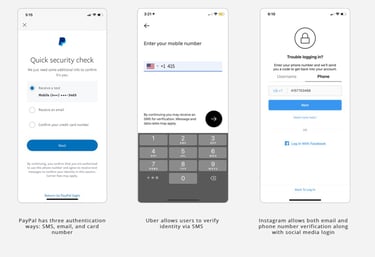
Once the flow was finalized, I researched password recovery experience in other popular mobile apps such as PayPal, Uber, and Instagram. The general flow of the password reset process that I looked at all provides an OTP (one-time-password) for users to quickly verify themselves.
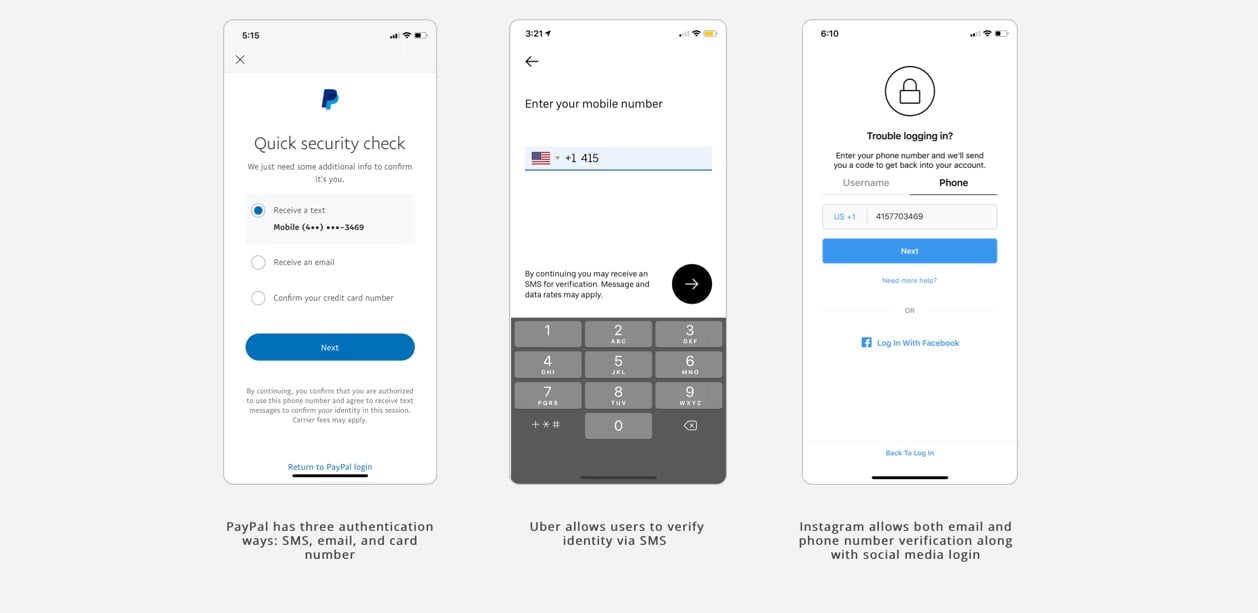
Competitive analysis and references
2.IDEATE


Initial Solution
The initial solution focused on updating the Login ID field to clearly communicate that customers could sign in using their phone number. This enhancement was designed to improve discoverability by making users aware that their phone number could serve as a valid login credential, enabling them to receive an instant security code for authentication or account recovery if they forgot their password.
As the design evolved through stakeholder workshops, user research, and analysis of customer behavior, the team discovered that a significant number of users also created and accessed their accounts using their email addresses. Highlighting only phone number sign-in could create uncertainty for existing customers who primarily relied on email credentials.
To better align the experience with real-world usage patterns and provide greater flexibility, the solution evolved to support both email addresses and phone numbers as valid login credentials. As a result, the Login ID field label was updated to "Email or phone number," clearly communicating both sign-in options while maintaining a familiar and seamless authentication experience.


Iteration
As the design evolved through stakeholder workshops, user research, and analysis of customer behavior, the team discovered that a significant number of users also created and accessed their accounts using their email addresses. Highlighting only phone number sign-in could create uncertainty for existing customers who primarily relied on email credentials.
To better align the experience with real-world usage patterns and provide greater flexibility, the solution evolved to support both email addresses and phone numbers as valid login credentials. As a result, the Login ID field label was updated to "Email or phone number," clearly communicating both sign-in options while maintaining a familiar and seamless authentication experience.
Testing and Validation
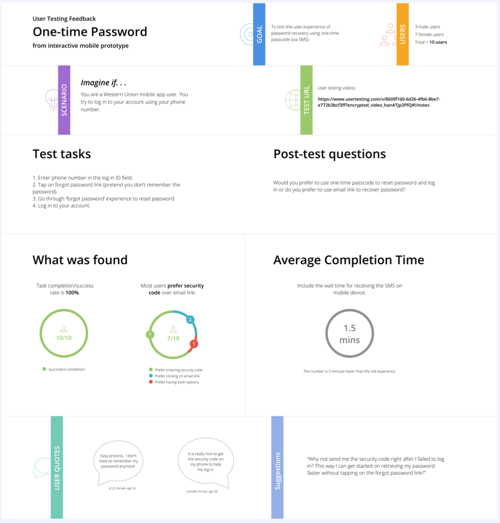
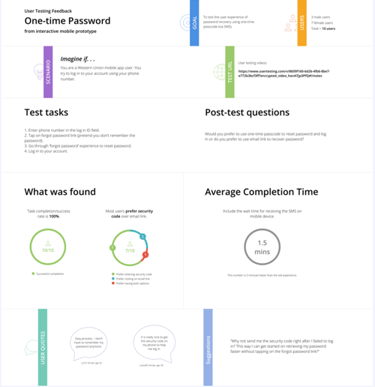
To ensure the design solution works well among customers, we oftentimes use interactive prototypes to test the new design against the old experience or the previous version to gather users' feedback. It enabled us to identify the usability issues and priorities of what remains left needs to be fixed and it also helped us to validate our assumption we set at the beginning of the project.
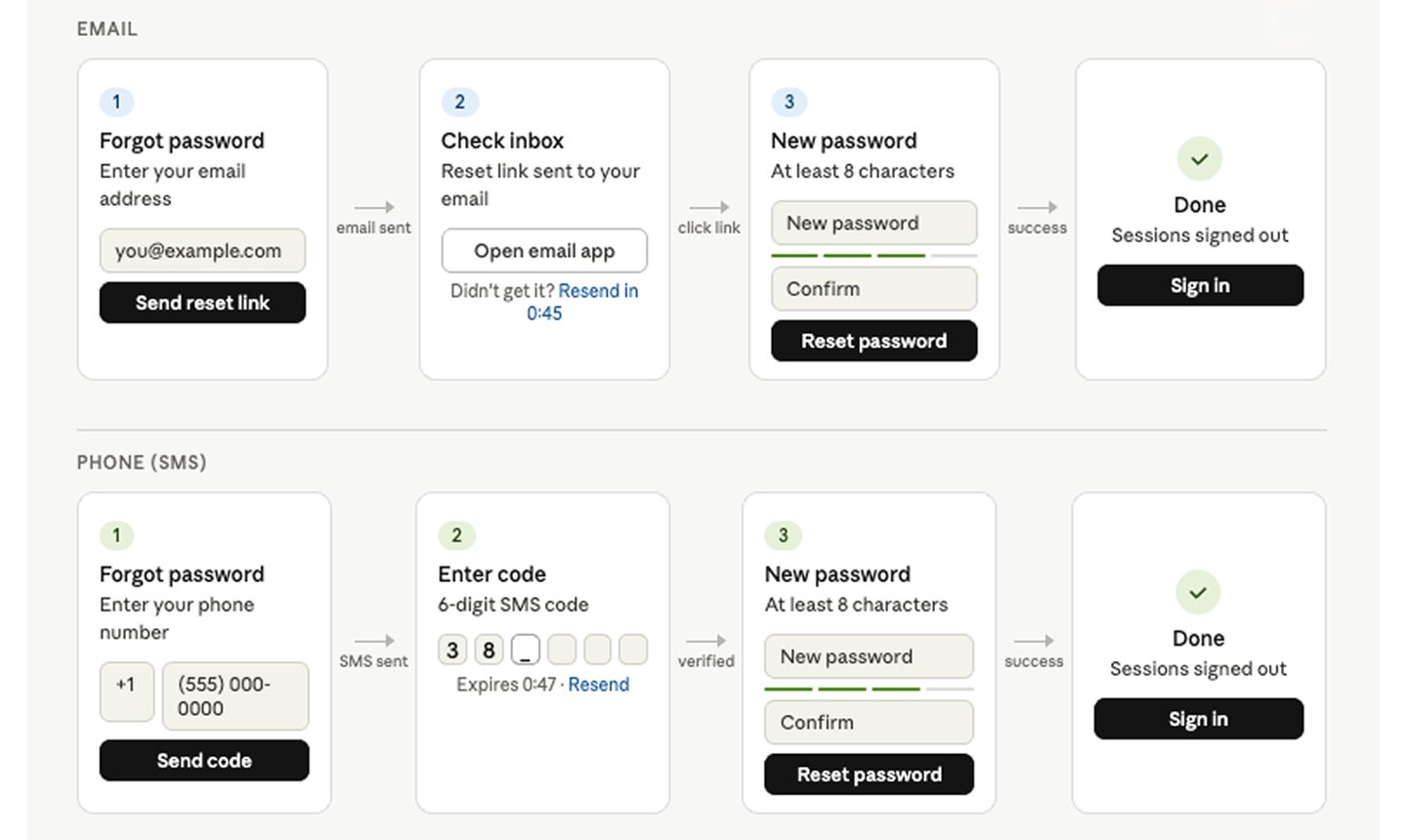
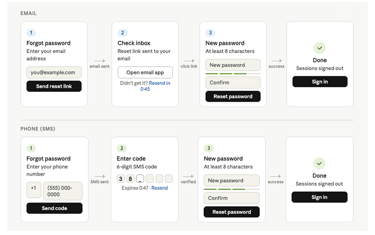
After validating the design through user testing, we finalized a streamlined password recovery experience. When users select the “Forgot password” option, they are guided to choose their preferred recovery method—either by entering their email address to receive a reset link or by using their phone number to receive a verification code.
The New Password Recovery Experience
Based on user research insights, behavioral data, and the validated low-fidelity wireframes, I created high-fidelity designs that refined the user experience while aligning with business goals, accessibility standards, and the established design system.


Visual treatment (high fidelity wireframes)
3.LEARNING AND takeaways
"Magic happens when teamwork happens"
I’m lucky enough to have the opportunity of working on a product that impacts how people spend money on such a large scale. When looking back, here are a few things I would like to keep in mind moving forward.
"Respect Existing Patterns"
In the process of establishing the UI paradigms, which was built before has its reasons to be the way it is. Understanding the reasoning behind the old patterns is as important as designing the new rules.
"Iteration Within Scope "
One of our main challenges is the lack of resources. With this challenge, we often have to reiterate our designs in order to be achievable within time and technical constraints, while still providing more value to our users.
"Keep Asking Why, Why Not, What If " As a designer, we often want to think out of the box to show our creativity. However, in some cases, we need to find a balance between think out of the box and play safe. One way to do it is to constantly question ourselves until knowing what really matters the most before making a design decision.