JOT External Signing Integration
(CASE STUDY)
PROJECT VISION
The goal of this initiative was to integrate JOT directly into Ignite the primary escrow management platform, enabling Escrow Officers to schedule appointments with external notaries without leaving the system.
Defined UX problem statement
Conducted stakeholder interviews
Created journey maps
Designed end-to-end workflows
Built wireframes & high-fidelity prototypes
Collaborated with engineering on API feasibility
Conducted design QA in test environment
Ensured accessibility and consistency with design system
Role: Lead UX Designer
Product: Escrow Platform
MY CONTRIBUTION
MY ROLE
Discovery and Research
PROBLEM STATEMENT
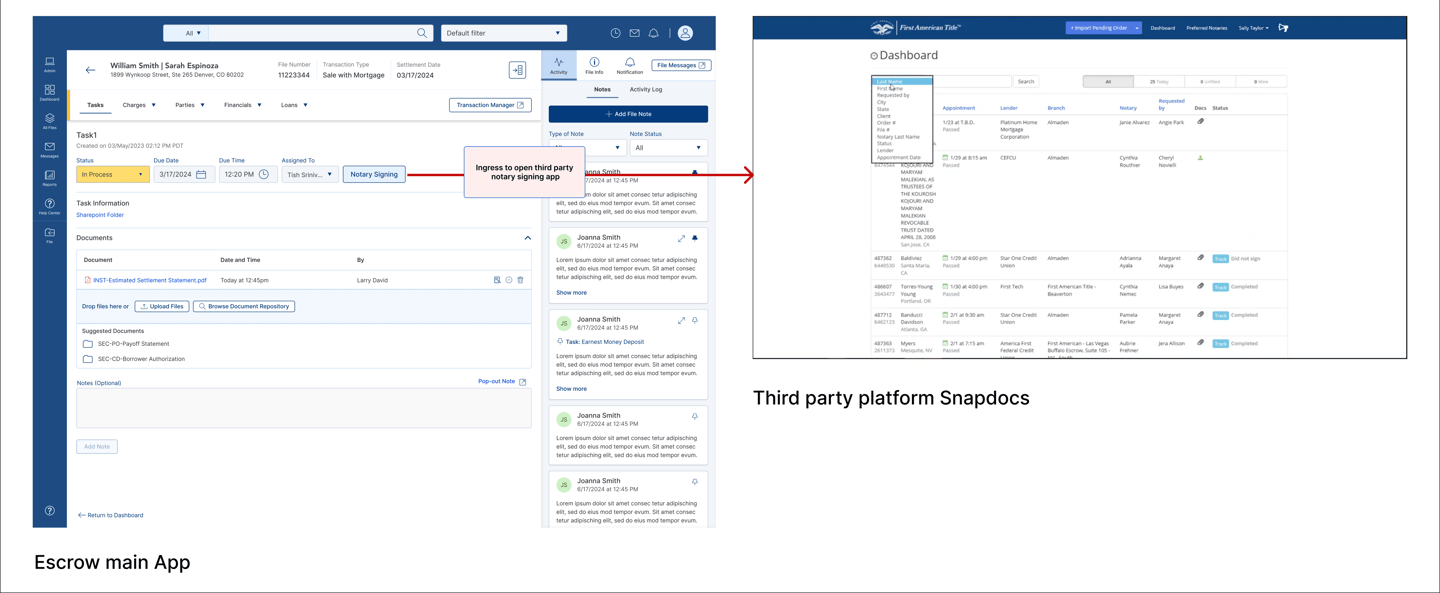
Escrow Officers (EOs) were relying on third-party platforms like Snapdocs to schedule external notary appointments. This created several challenges:
No single source of truth between systems
Time-consuming multi-system workflows
Higher operational costs
Inefficient fee calculations
Poor visibility into appointment status updates
EOs had to switch between systems, manually reconcile data, and work within rigid third-party product packages.
Stakeholder Interviews
Conducted user interviews with Escrow Officers to understand their workflows, pain points, and needs.
Interviewed 4 participants through UserTesting.com to gather qualitative insights and identify usability issues.
Used Microsoft Copilot to analyze interview transcripts, summarize key findings, and generate research recommendations.
Combined AI-generated insights with manual analysis, helping accelerate research synthesis and inform design decisions.
Persona Creation
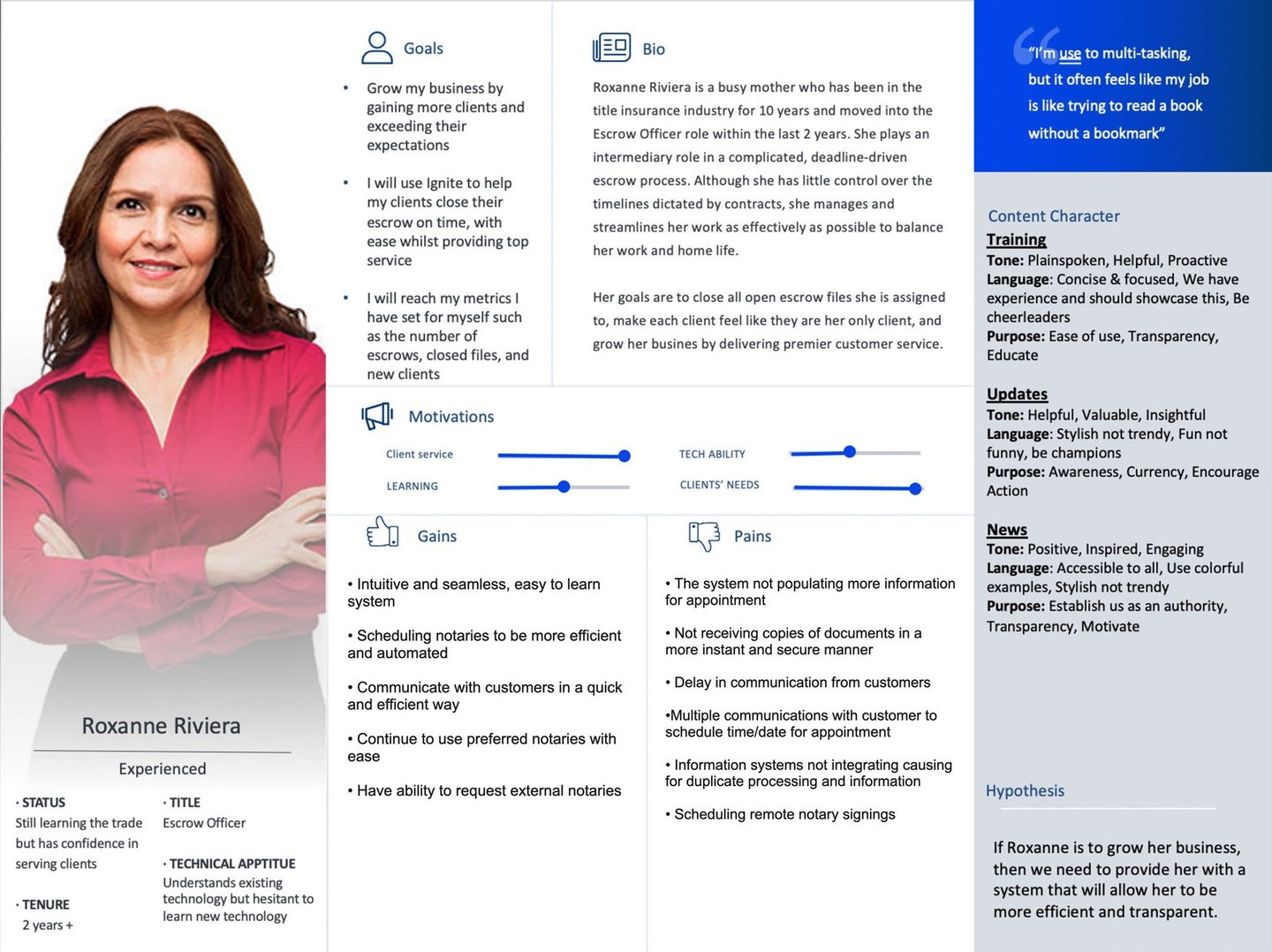
To ensure the solution addressed real user needs, I created a primary persona based on qualitative user research.
Observed how users completed key tasks and documented their end-to-end journey, identifying inefficiencies caused by switching between multiple systems.
Analyzed interview notes and research findings to identify recurring patterns, behaviors, motivations, and unmet needs.
Synthesized the research into a representative persona—Roxanne Riviera, an experienced Escrow Officer—capturing her:
Background and experience
Goals and motivations
Technical proficiency
Pain points and frustrations
Desired outcomes (gains)
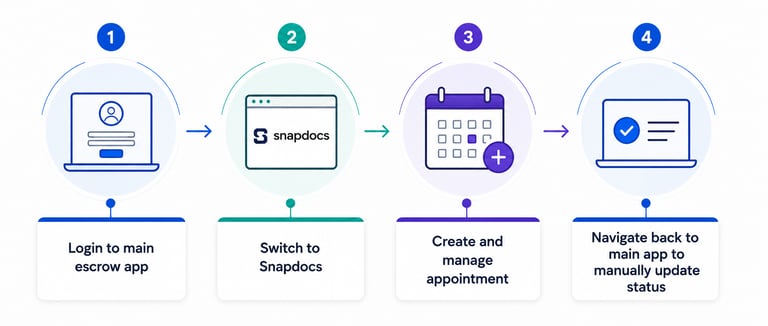
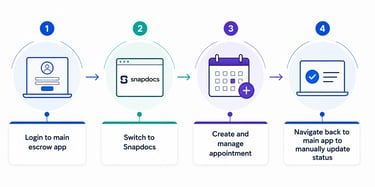
Escrow Officers initiate file creation in the main application but must switch to Snapdocs to schedule and manage appointments.
After completing the appointment in Snapdocs, they return to the main application to manually update file status and related information.
Frequent switching between applications creates a fragmented and inefficient workflow.
Manual updates increase effort, slow task completion, and introduce opportunities for missed updates and human error.
The disconnected experience reduces productivity and impacts overall operational efficiency.
Key Findings
Business Goals
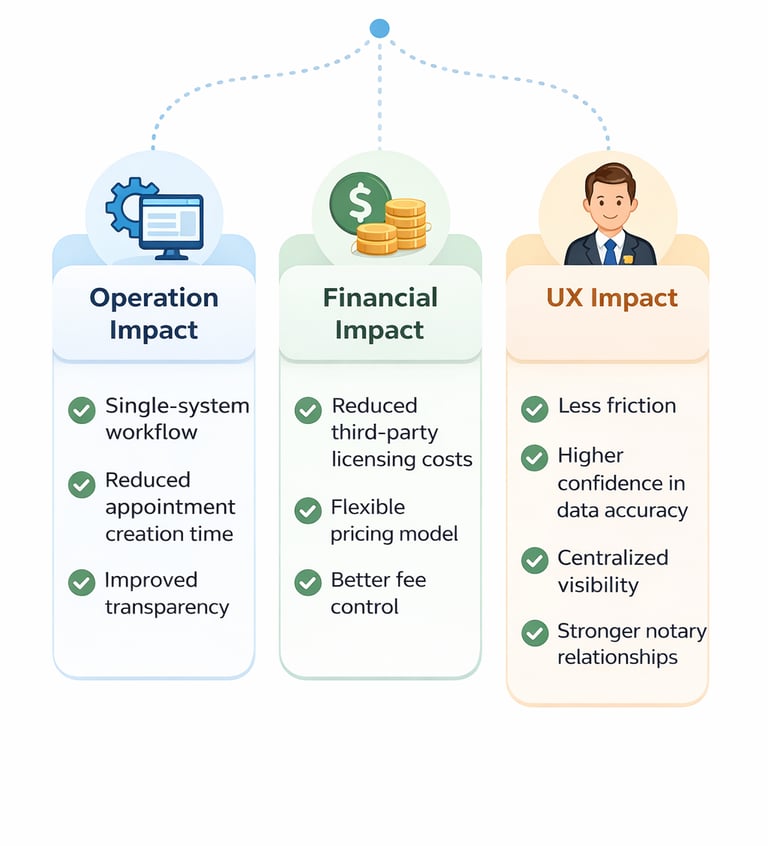
Reduce third-party licensing costs
Increase operational efficiency
Provide pricing flexibility
Improve data consistency
Enable real-time status updates
Centralize document management
Current Journey Mapping
Future Journey Mapping
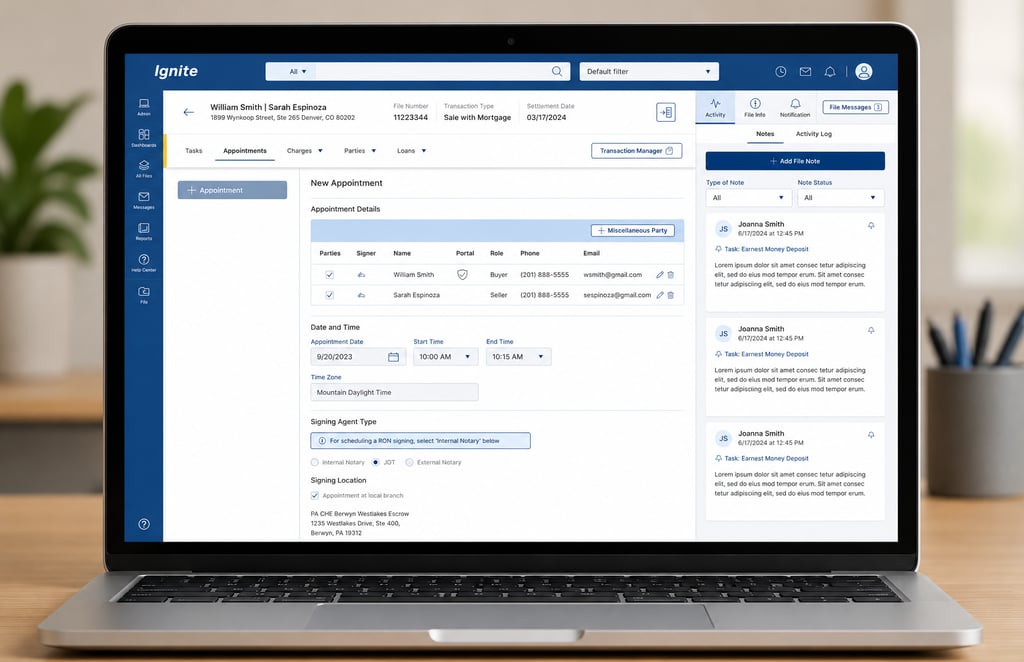
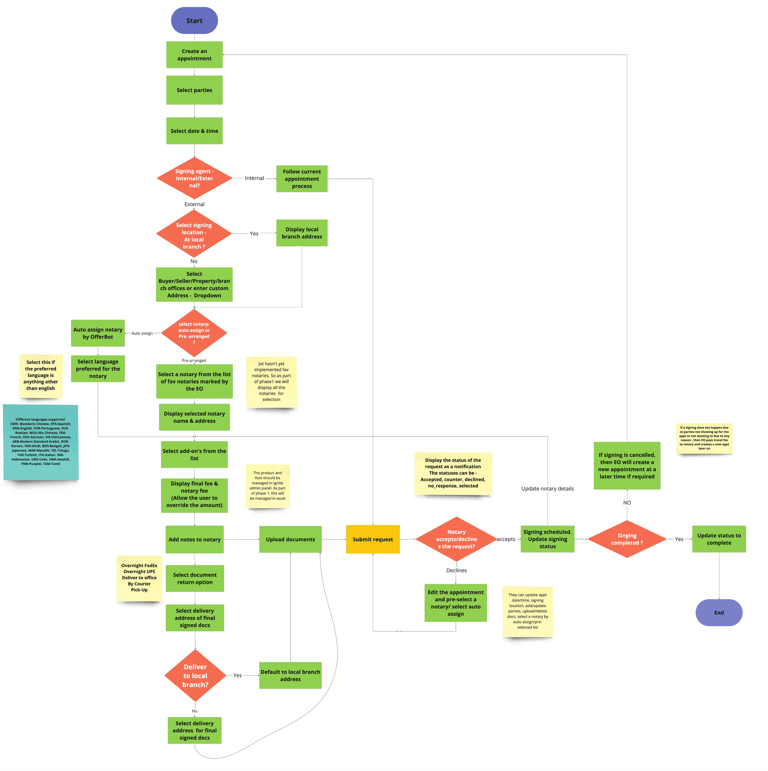
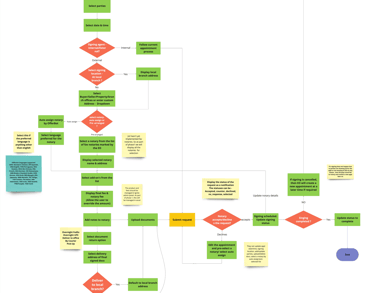
JOT API integration in EO(Escrow Officer) application in appointment tab
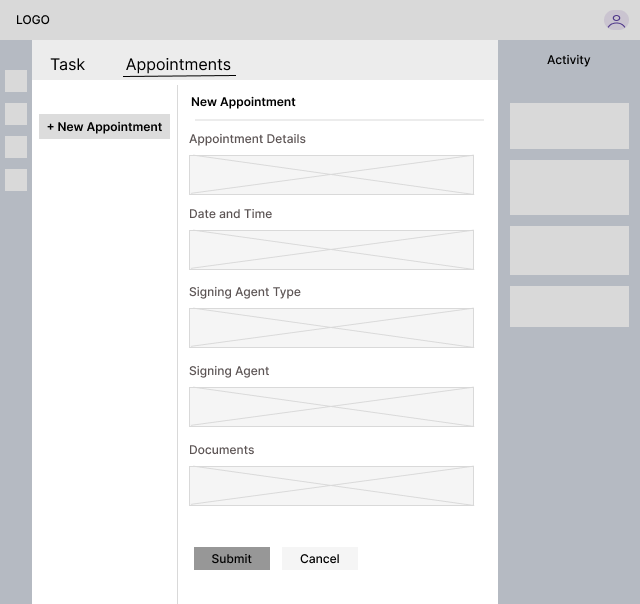
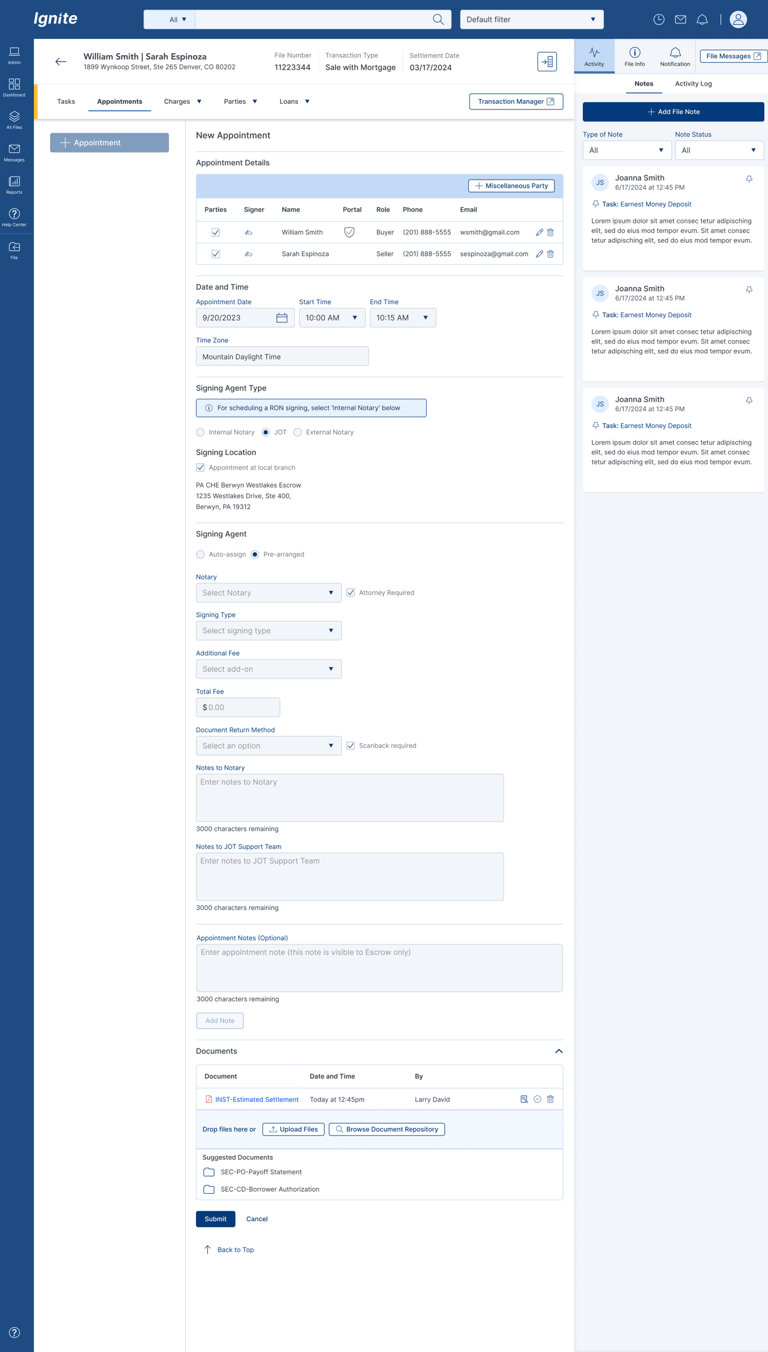
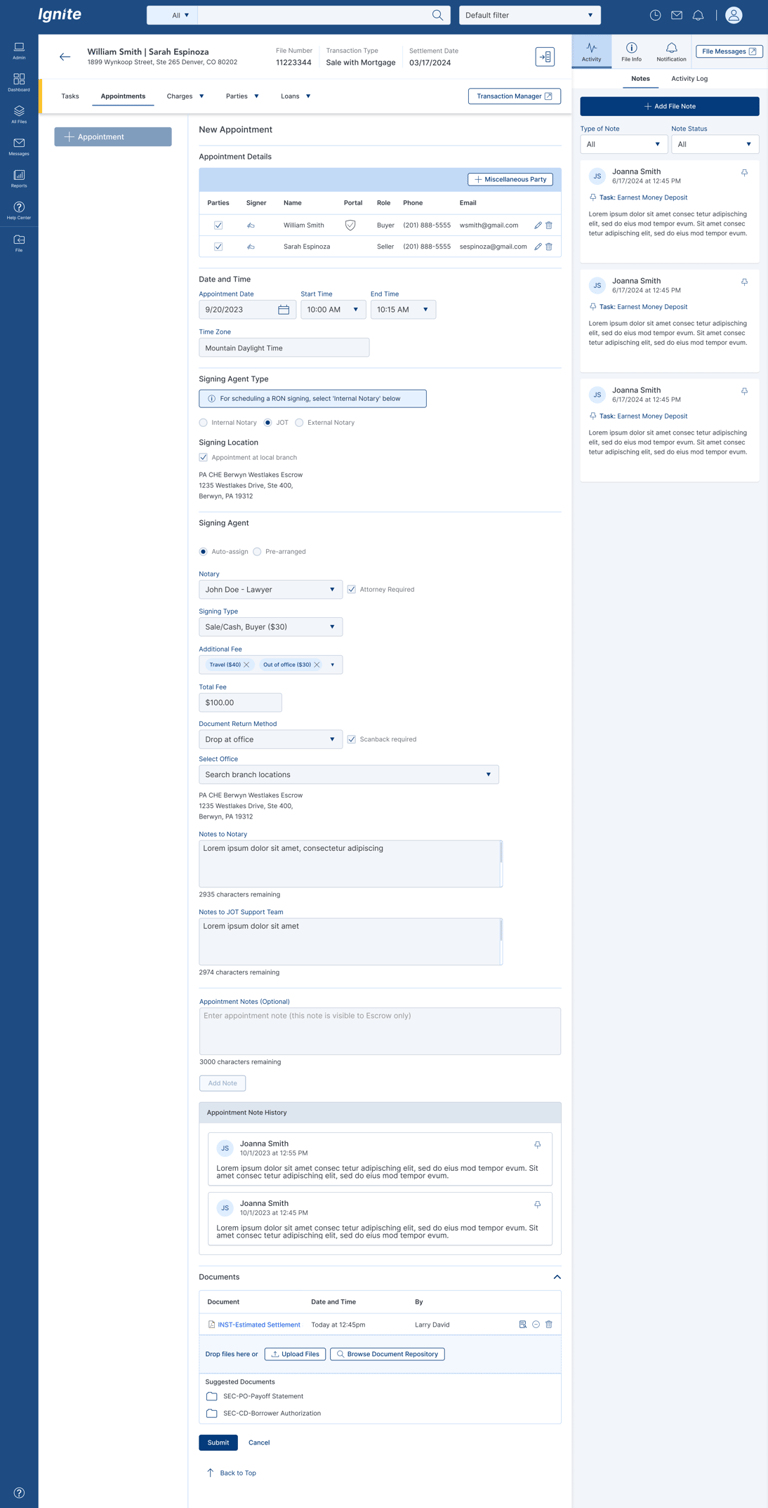
Create appointment by selecting parties, date, time, signing type (JOT), and signing location (branch, property, or custom address).
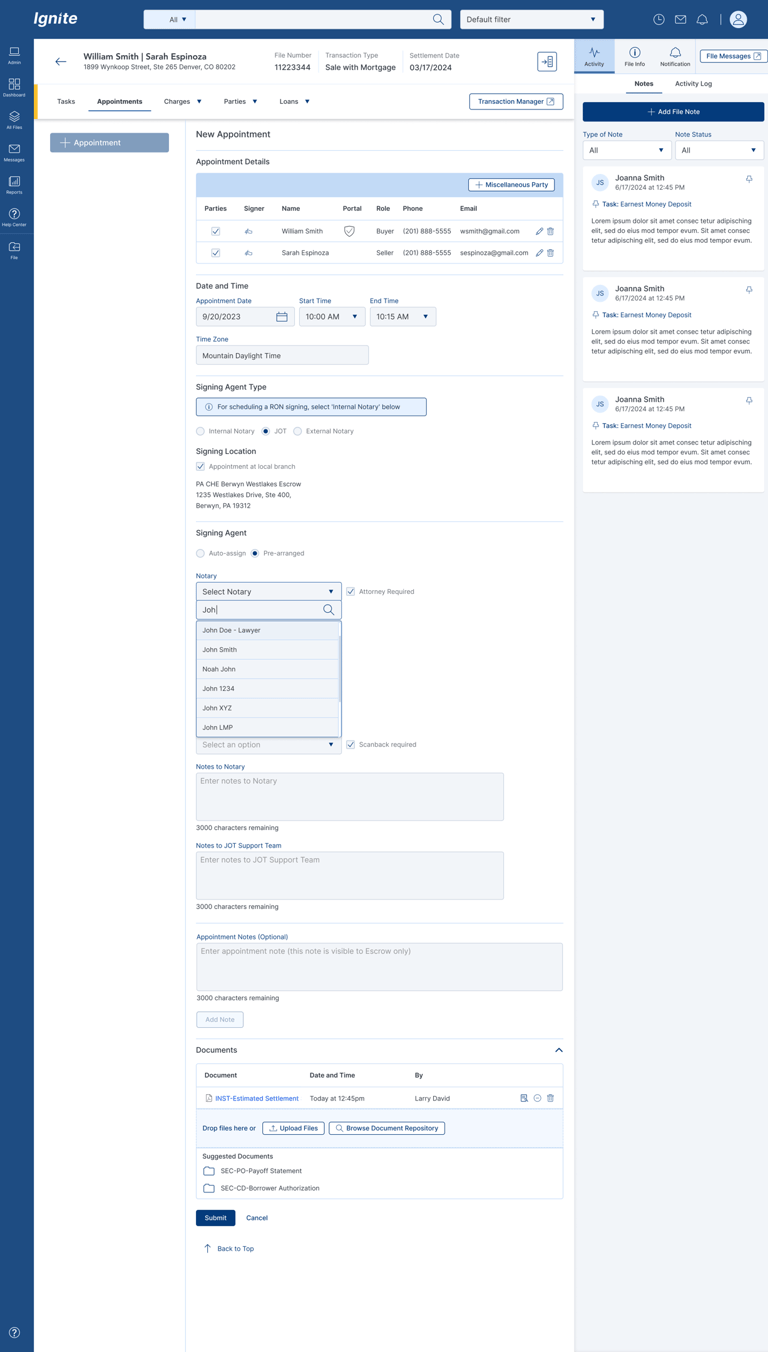
Assign notary by auto-assigning (OfferBot) or pre-selecting a preferred notary, including language preference.
Customize appointment with add-ons, fee adjustments, notes to notary, document return options, delivery address, and upload required documents.
Submit request
IDEATE and CREATe
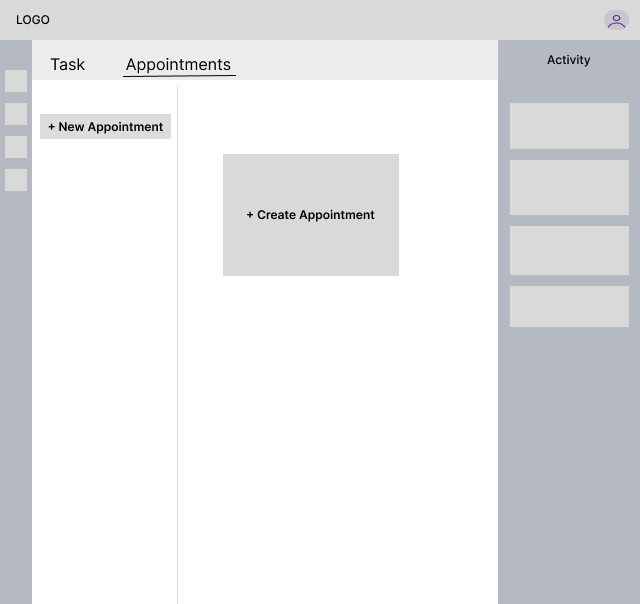
Low-fi Wireframe
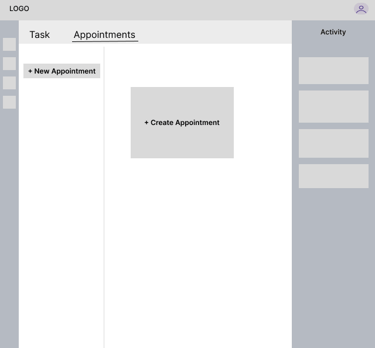
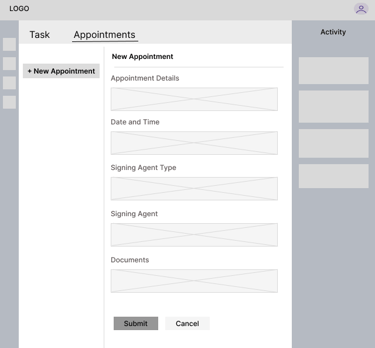
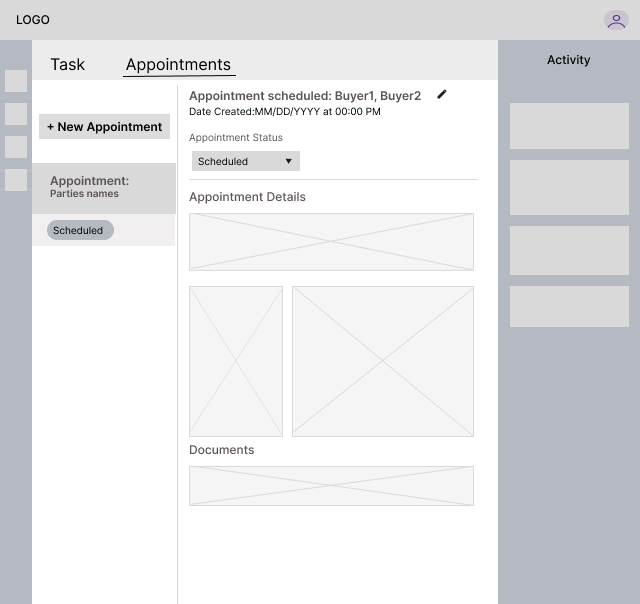
Based on user research findings and collaboration with cross-functional stakeholders, a decision was made to integrate the appointment creation feature directly into the Escrow application, eliminating the need to switch to an external platform. To improve discoverability and streamline the workflow, the new Appointments tab was placed alongside the Tasks tab on the landing page.
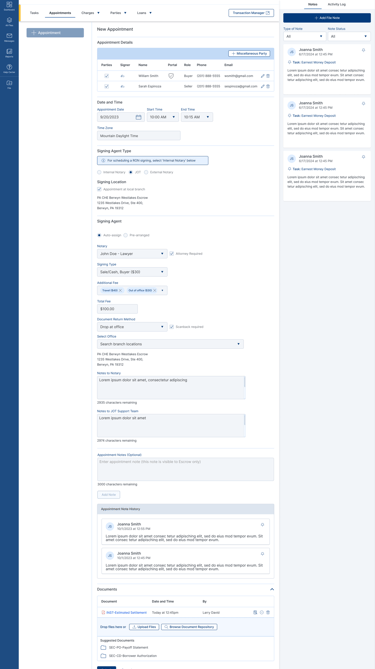
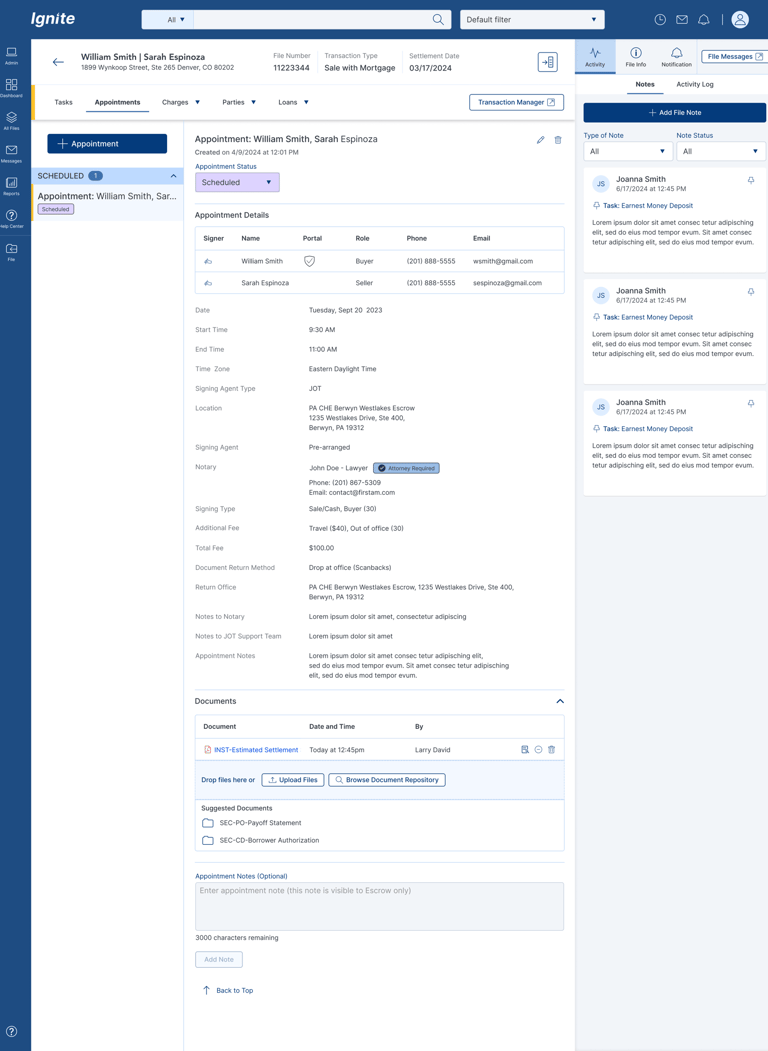
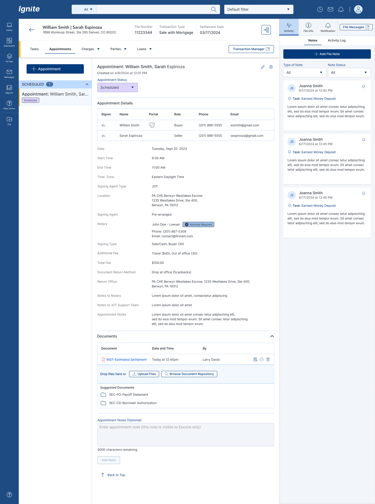
High-fi Wireframe
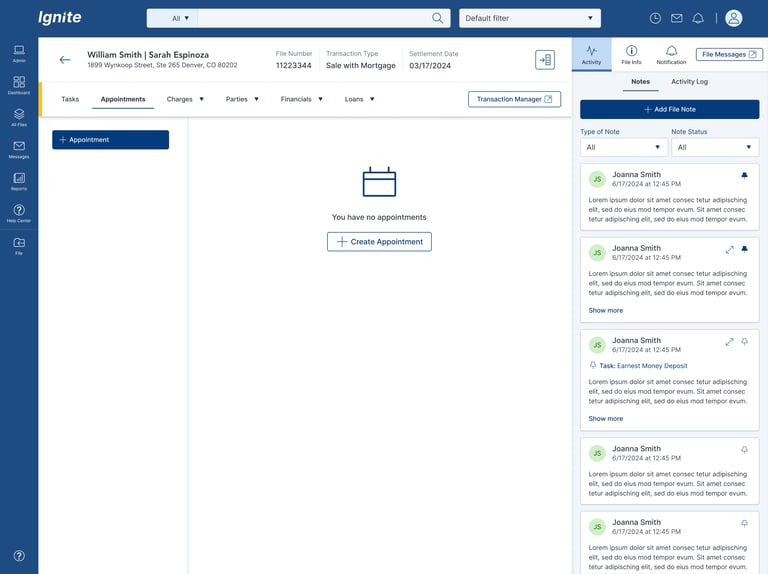
Once the initial low-fidelity wireframes were shaped and aligned with user requirements, I collaborated with the team to review and validate the approach before moving into high-fidelity designs. This helped ensure alignment on functionality, user flow, and business goals early in the design process
Design System
I applied the FA Design System tokens throughout this design to maintain consistency across colors, typography, spacing, borders, shadows, shapes, and the overall visual language.
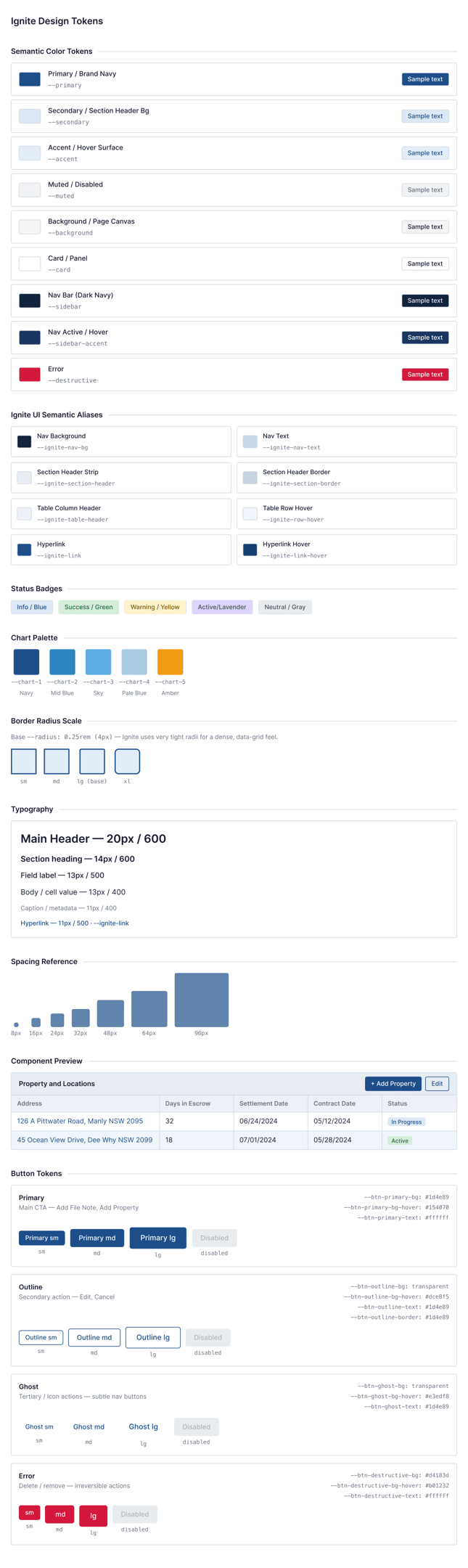
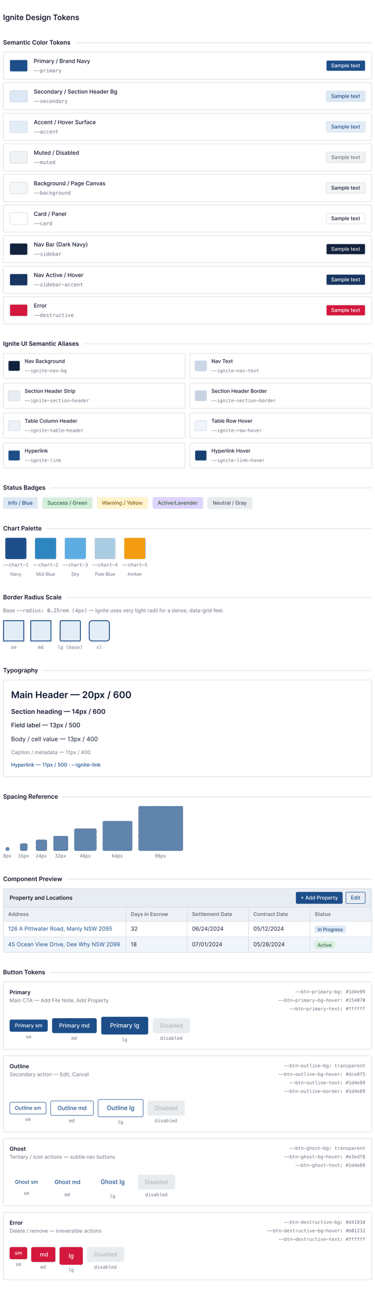
Design SPECIFICATION
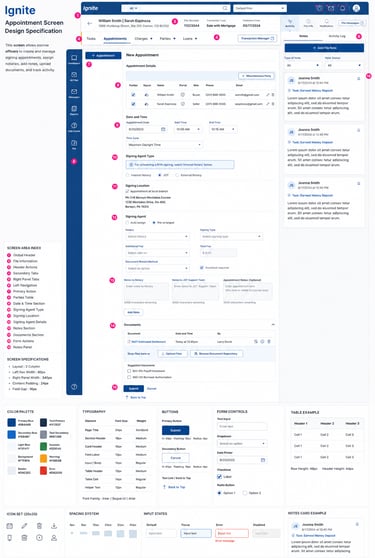
I have completed and shared the detailed design specifications with the developer to support the implementation process. The specifications include comprehensive UI redlines, layout measurements, spacing, typography, color tokens, component behaviors, interaction states, responsive guidelines, and accessibility considerations
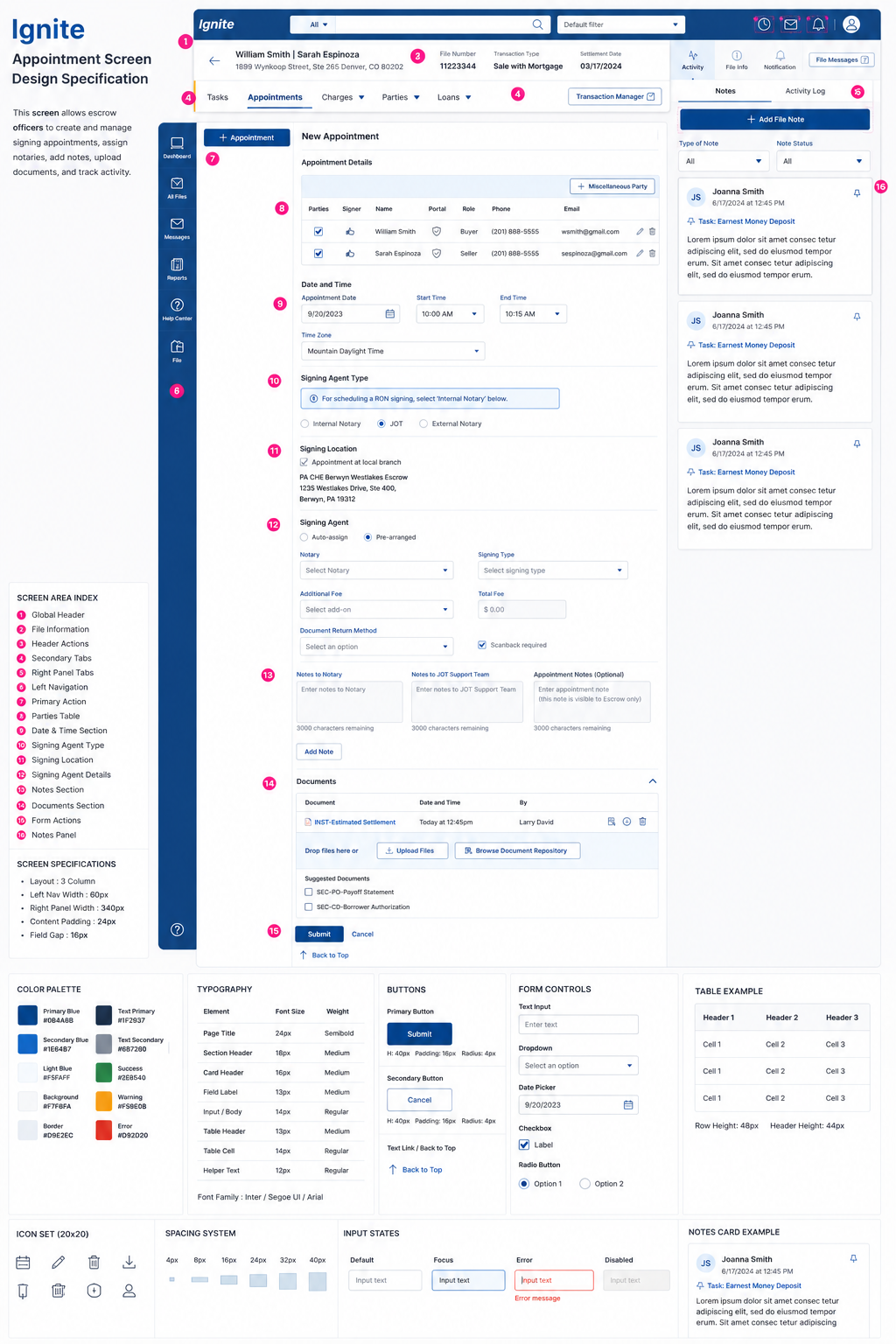
Prototyte
Then, I created a clickable prototype to showcase the user flow and overall experience, allowing stakeholders to review interactions and provide early feedback before the final design handoff to developers for implementation.
Improvement and Impacts
After
Unified Ignite workflow
Dynamic fee engine
Real-time status updates
Cost savings
Full reporting dashboard
Before
Multiple systems
Manual fee logic
Rigid pricing
Poor visibility
Higher cost
Before vs After (Experience Shift)